
Result entry, verification and doctor approval
Results flag themselves as you type. Calculated values like LDL, MCV and absolute counts fill in on their own, and the doctor approves from one queue.
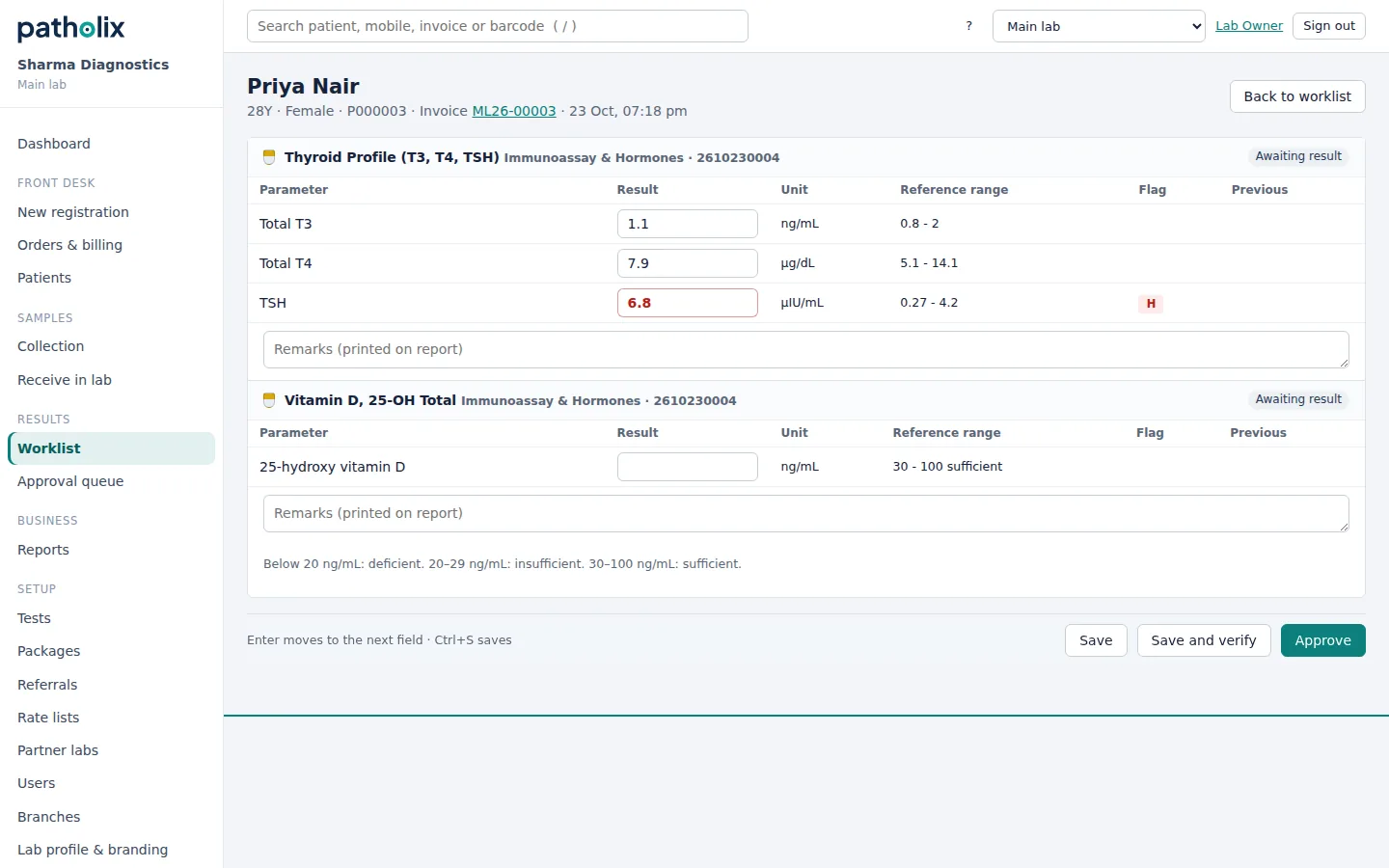
- Flags as you type
- High, low and critical values are marked against the right range for the patient’s age and gender.
- Calculated parameters
- LDL, VLDL, MCV, MCH, MCHC, absolute counts and your own formulas calculate automatically.
- Checks that catch mistakes
- A differential count that does not add up to 100% is caught before verification.
- Verify, then approve
- Technicians verify; the pathologist reviews and approves from the Approval queue, test by test or all at once.
- Change a calculated value when needed
- A calculated result can be edited by hand, is marked “entered by hand”, and can go back to the formula. Each test decides whether this is allowed.
- Widal, slide and tube
- Enter each titre once; the report prints the familiar + / − dilution grid with the result line.
- Ready-made tests
- Start from the Patholix test library with clean names, samples and tube colours, then adjust ranges for your analysers.
Questions
Can I add my own tests?
Yes. Create tests with numeric, text or pick-list results, group headings, formulas and age- and gender-wise ranges.
Can results be amended after approval?
Yes, with a reason. Every version is kept in the report history. Whether the amendment note prints on the report is your choice; it is off by default.
The rest of Patholix
Set up your lab today
Add your logo and test prices, then register your first patient.